Iconography & illustration
Iconography is complementary to the rest of the design language, it borrows from typography and illustrative frameworks, helping to perpetuate a recognisable brand throughout all interactions while also providing a clear and simple interface for users.
LOVB wayfinding and user interface icons serve as visual representations of concepts or activities. They convey messages quickly, facilitate interaction, and highlight crucial information.
Crafted using a simple grid and simple style rules, our icons are clear and maintain integrity when displayed in signage or on-screen in compact dimensions.
Foundation
Base Grid
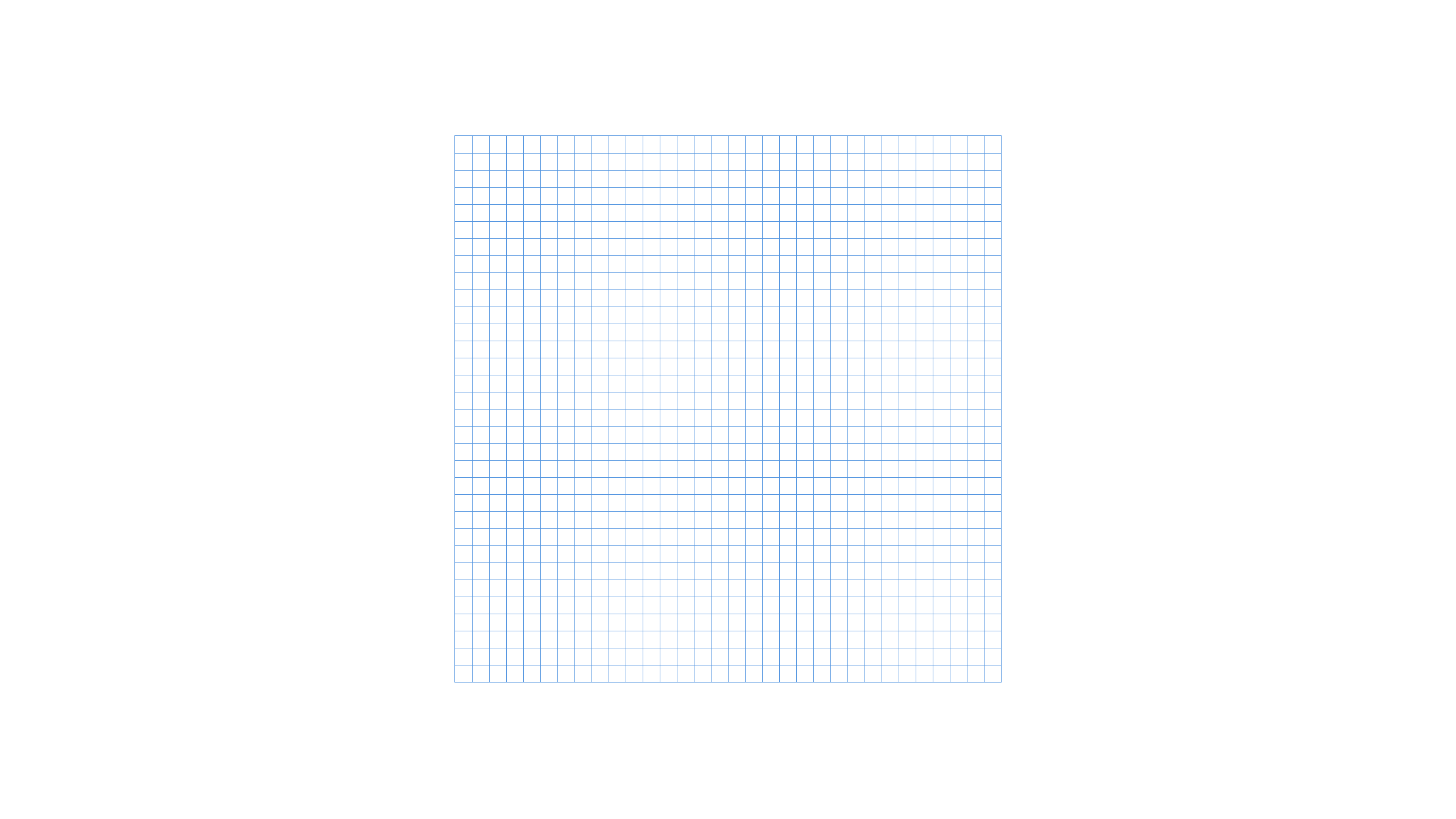
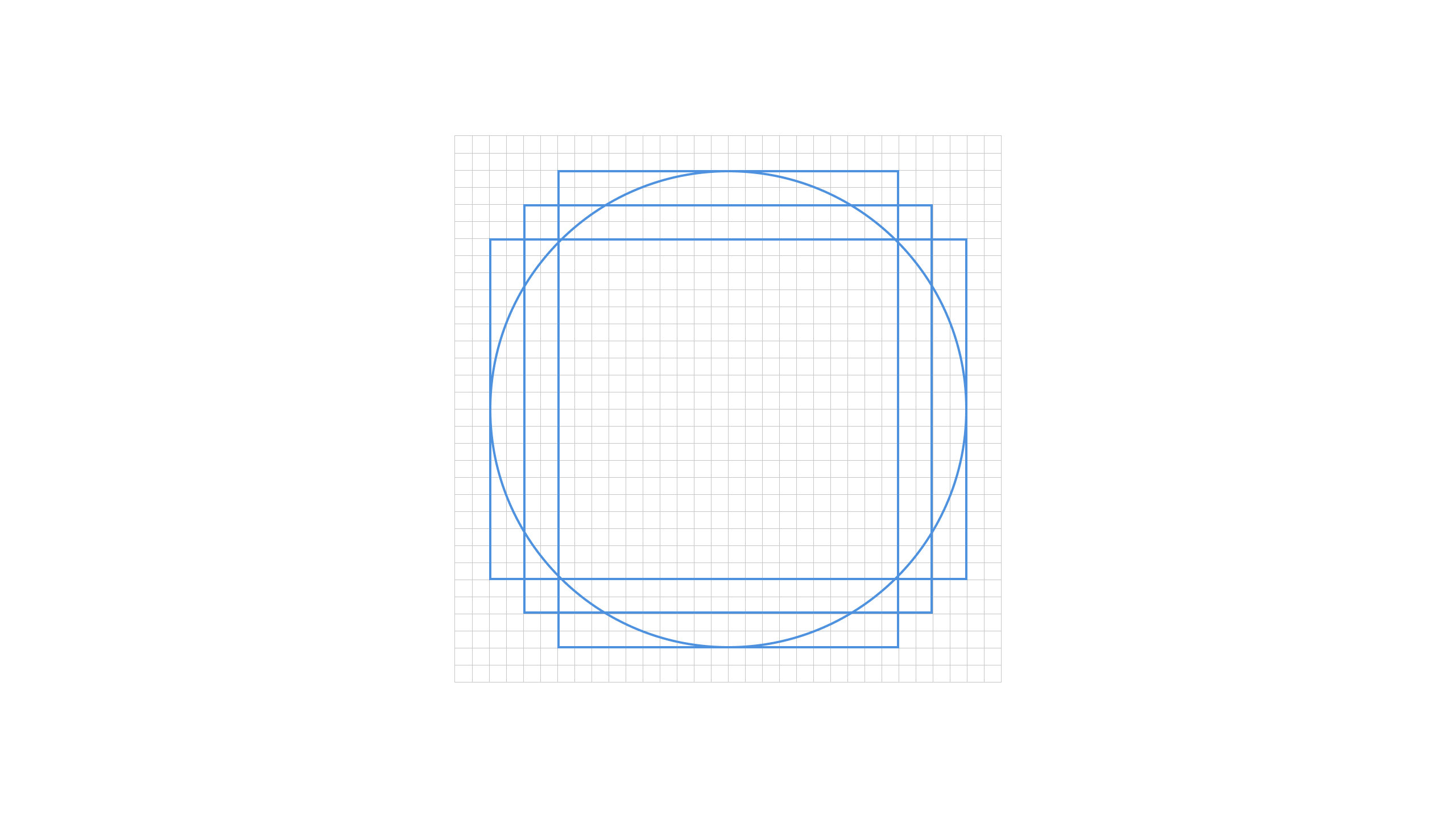
LOVB icons are created using a pixel-based grid measuring 32px x 32px and are proportionally scaled to various sizes from there. The grid serves as a foundational reference for aligning the artwork precisely. It is advised to utilize the grid as a fundamental guideline while crafting the icons, making fine adjustments as necessary to attain the desired shape during the design process.
Padding
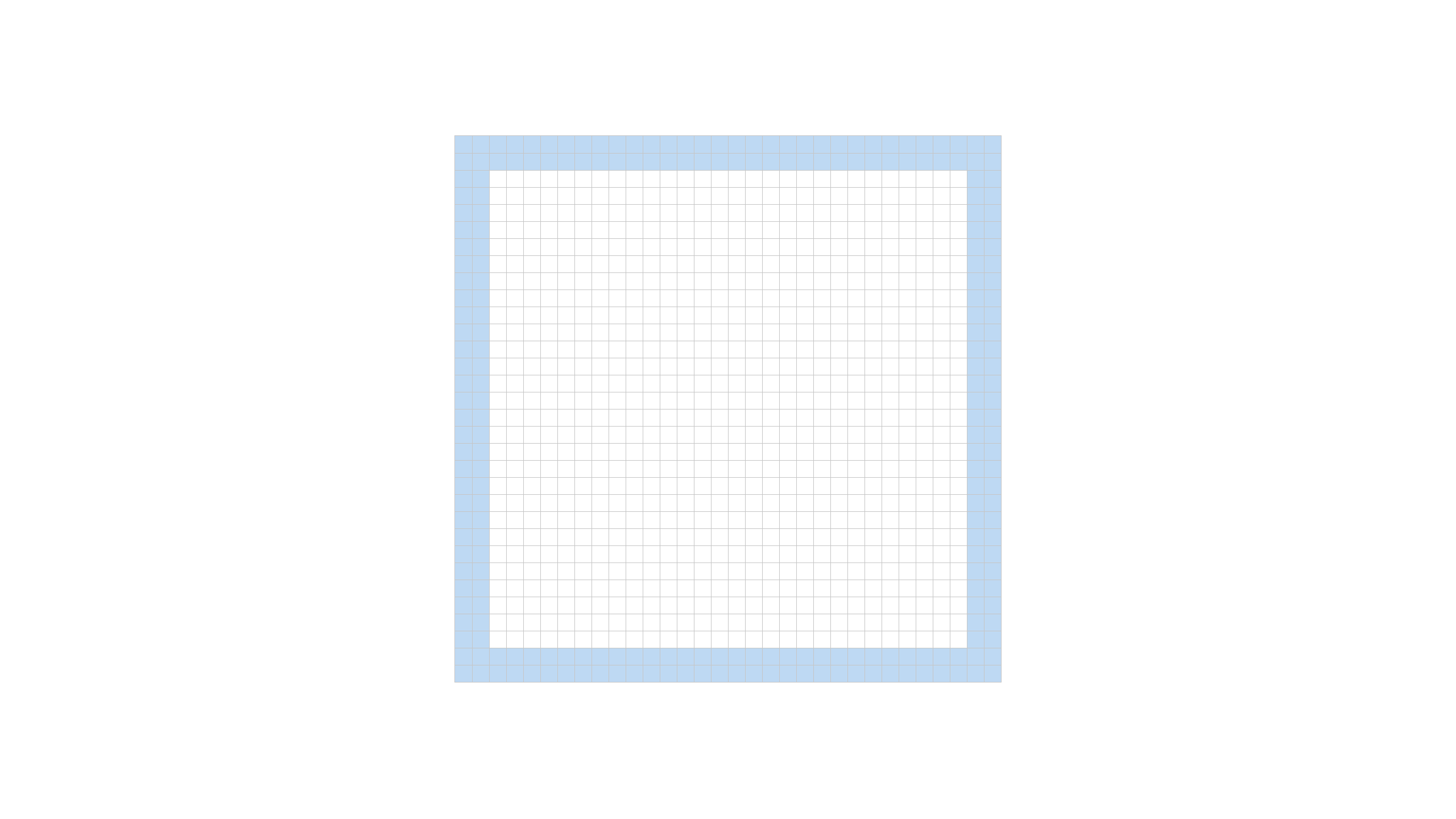
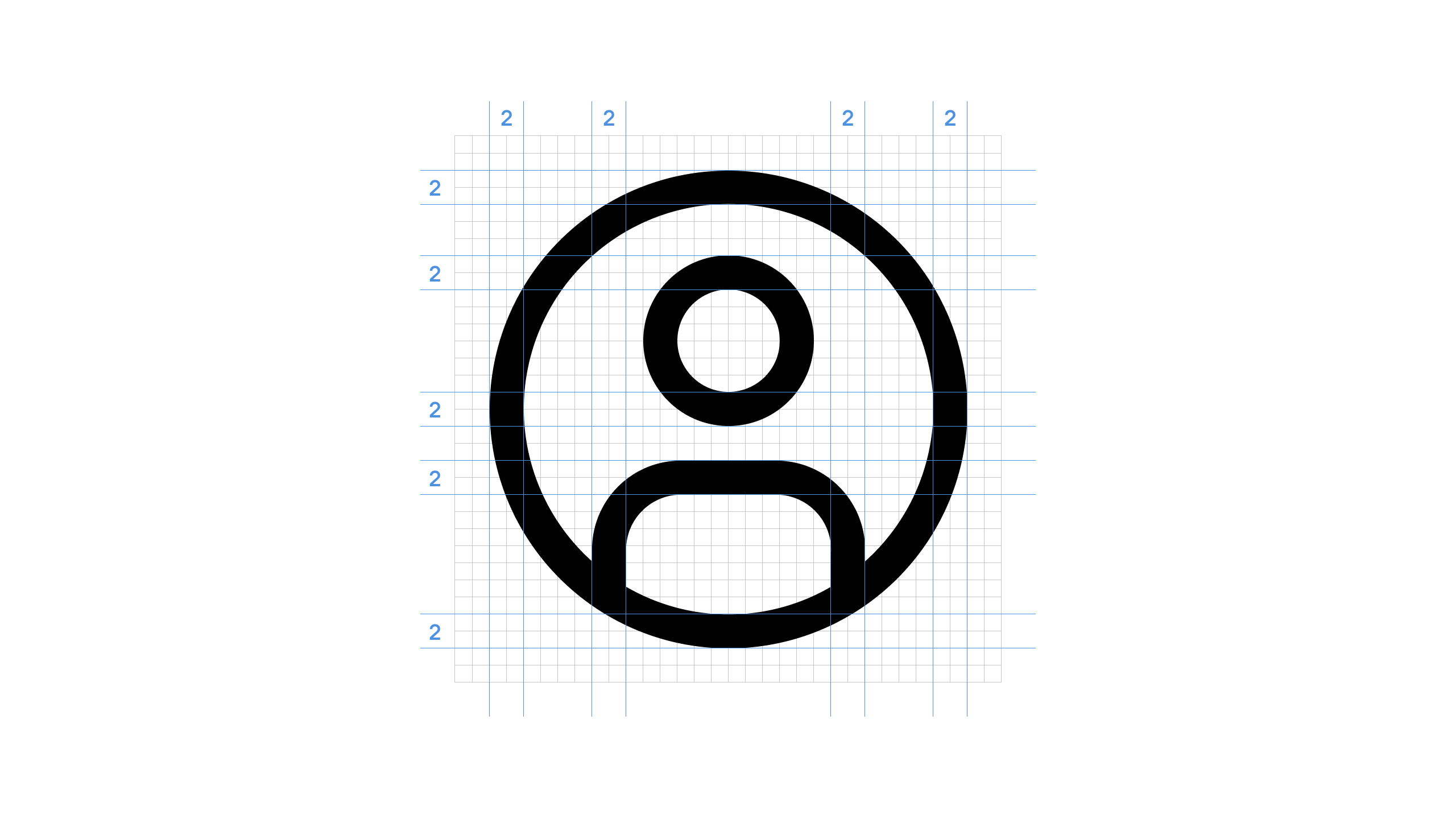
The grid incorporates a 2px padding to ensure that icons maintain their intended scale and preserve the surrounding white space upon export. The padding should only be utilized to extend the artwork for added visual emphasis or to include specific details necessary for defining the content, significance, or character of the icon.
Keyshapes
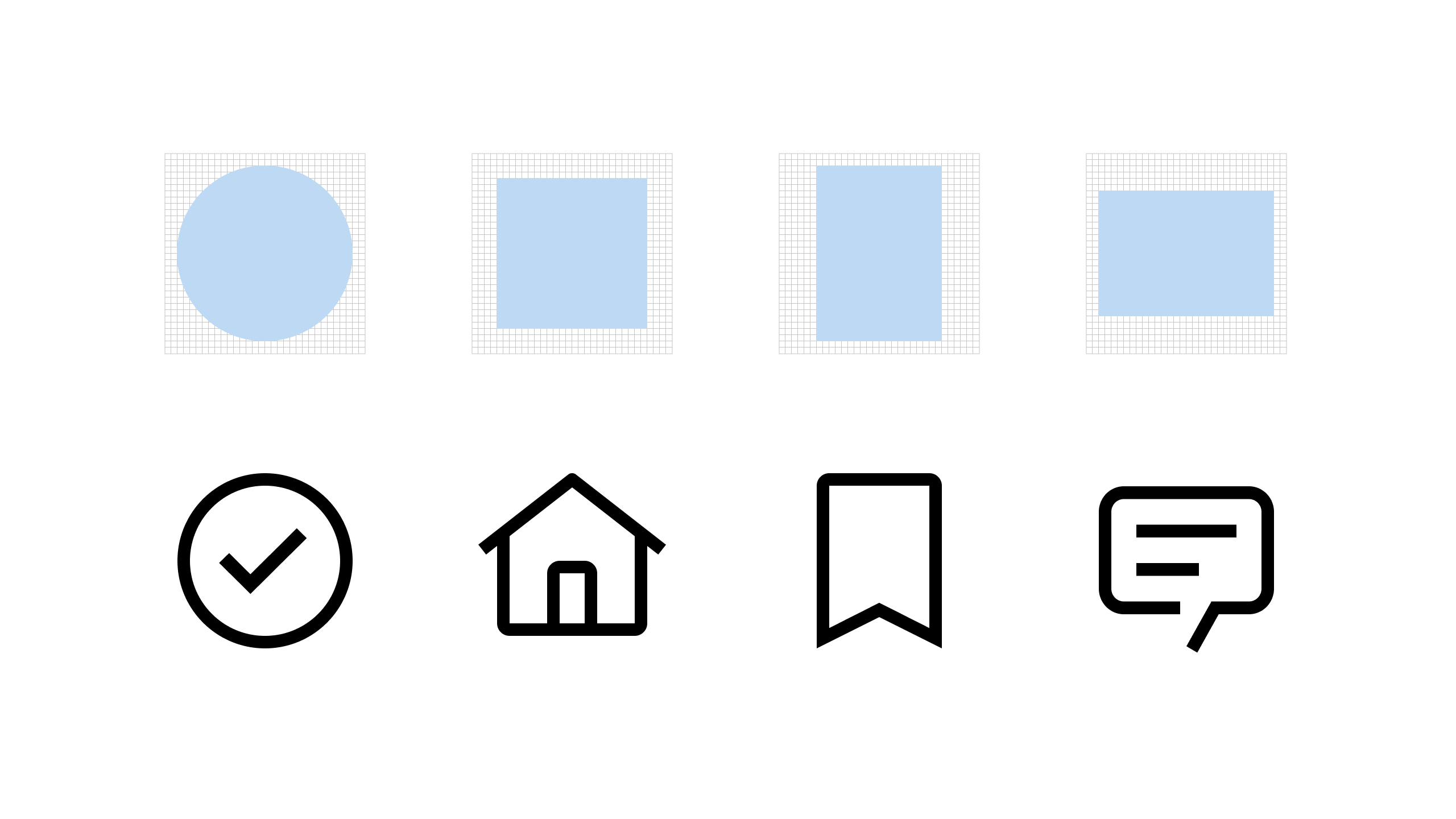
Key lines provide consistent sizes for fundamental shapes or proportions within the icon set. This consistent sizing enables the creation of a visually stable foundation and facilitates the establishment of relationships between icons that share similar proportions and the objects or concepts they symbolize. By adhering to key lines, the icon set achieves a harmonious and cohesive visual structure.
Style
Strokes
Ensure consistent visual weight among icons of the same size by employing a uniform 2px stroke for all icons. It is important to avoid discrepancies in heaviness or lightness, as well as variations in line thickness within individual icons. However, there may be a few instances where this rule is exempted, such as when dealing with intricate or densely lined icons.
Corners
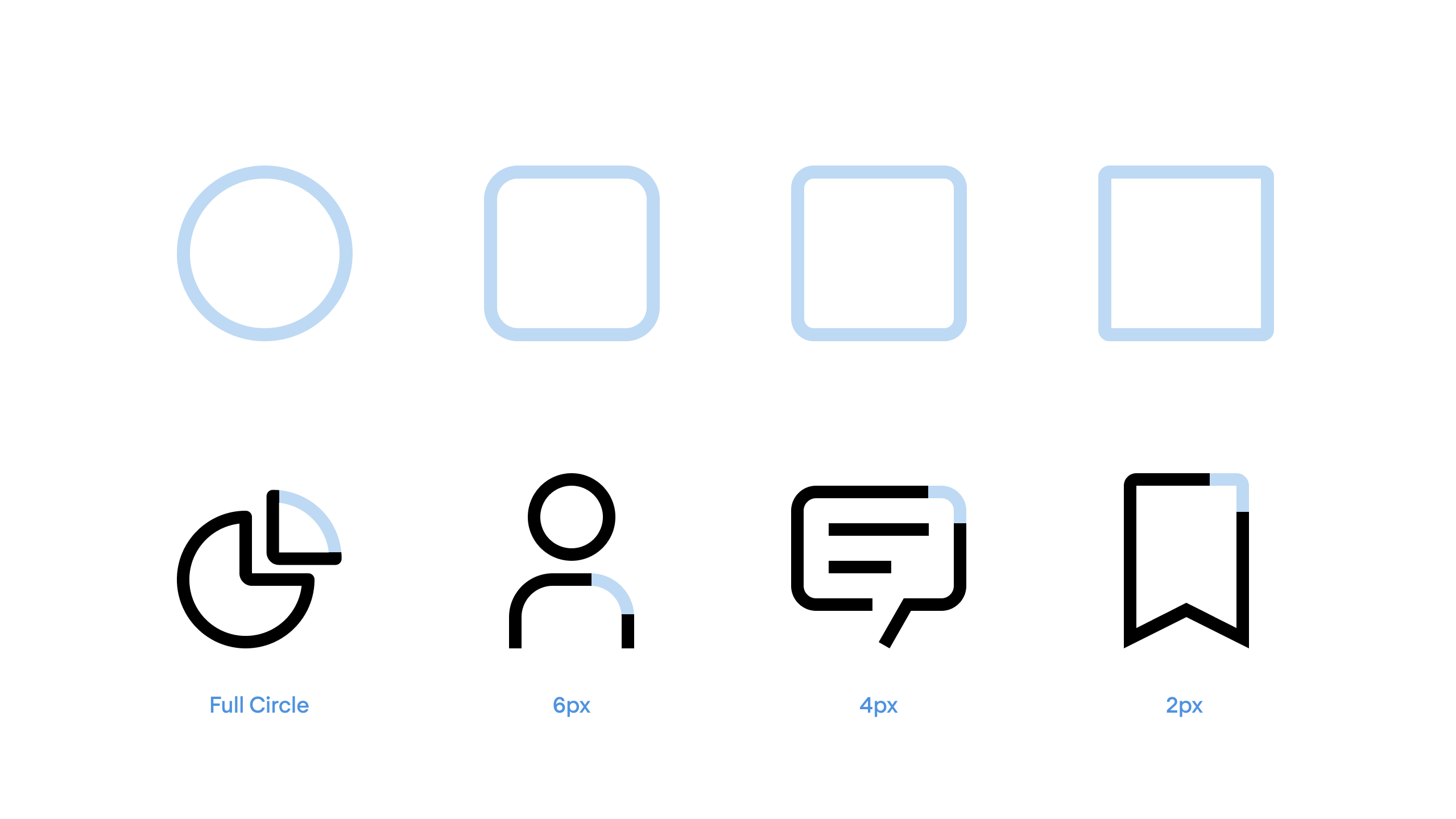
For rounded shapes, stick to a 2px corner radius. If needed, increase it by a multiple of two to ensure the icon’s meaning or object shape is clear. You can also add another radius to make the metaphor match the object’s real form.
Angles
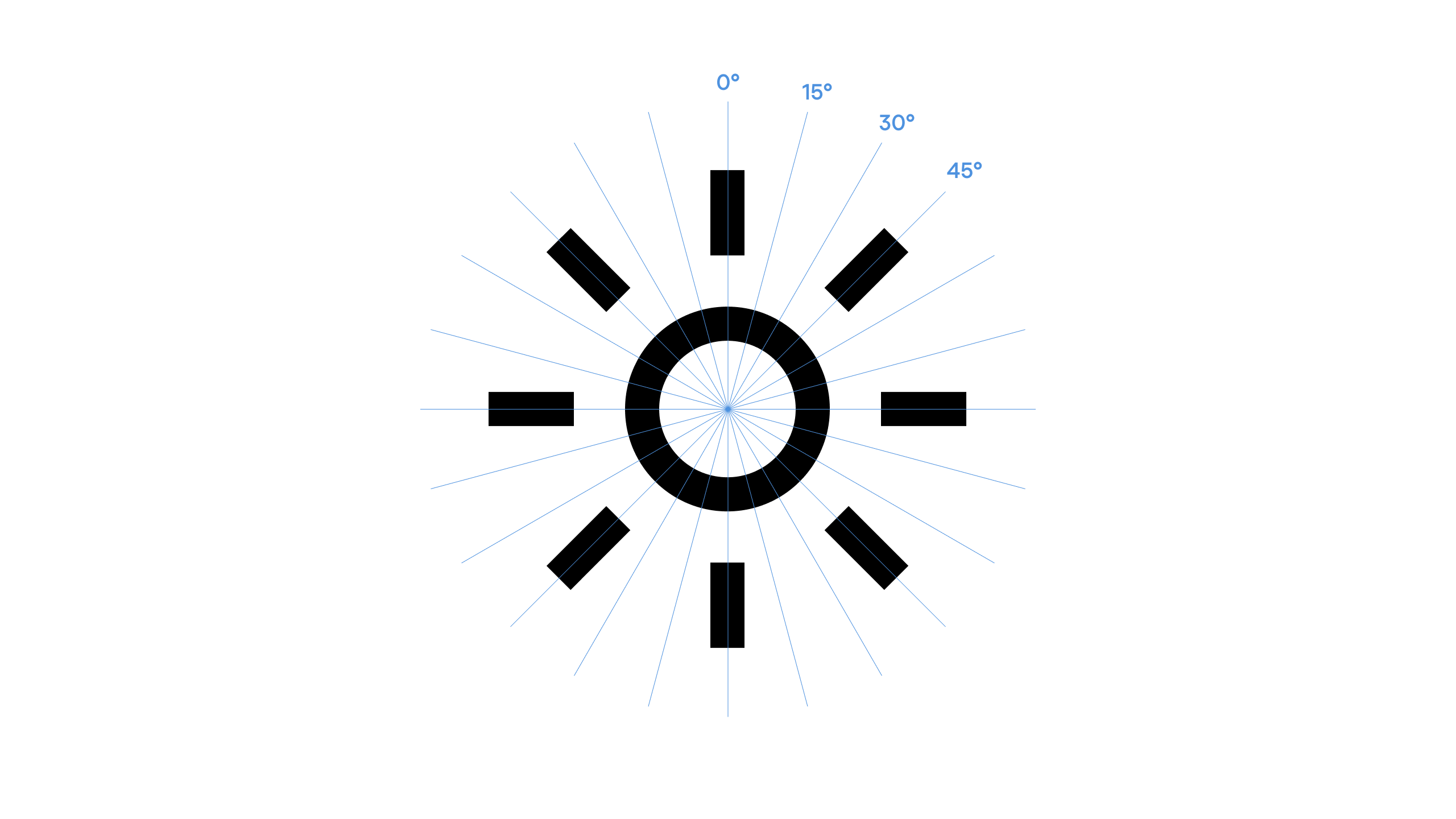
To ensure smooth edges, employ 45° angles for anti-aliasing. When portraying specific shapes in your metaphor, try to use 15° increments whenever feasible. To maintain consistency within the icon set, strive for angles that align with the same increments.